LadderIDE
A ladder logic IDE for Arduino-compatible boards. Write the same contact-and-coil logic that industrial controllers run, watch it execute live, then put it on hardware that costs a few dollars. No PLC to buy, and no five-figure software seat to get started.
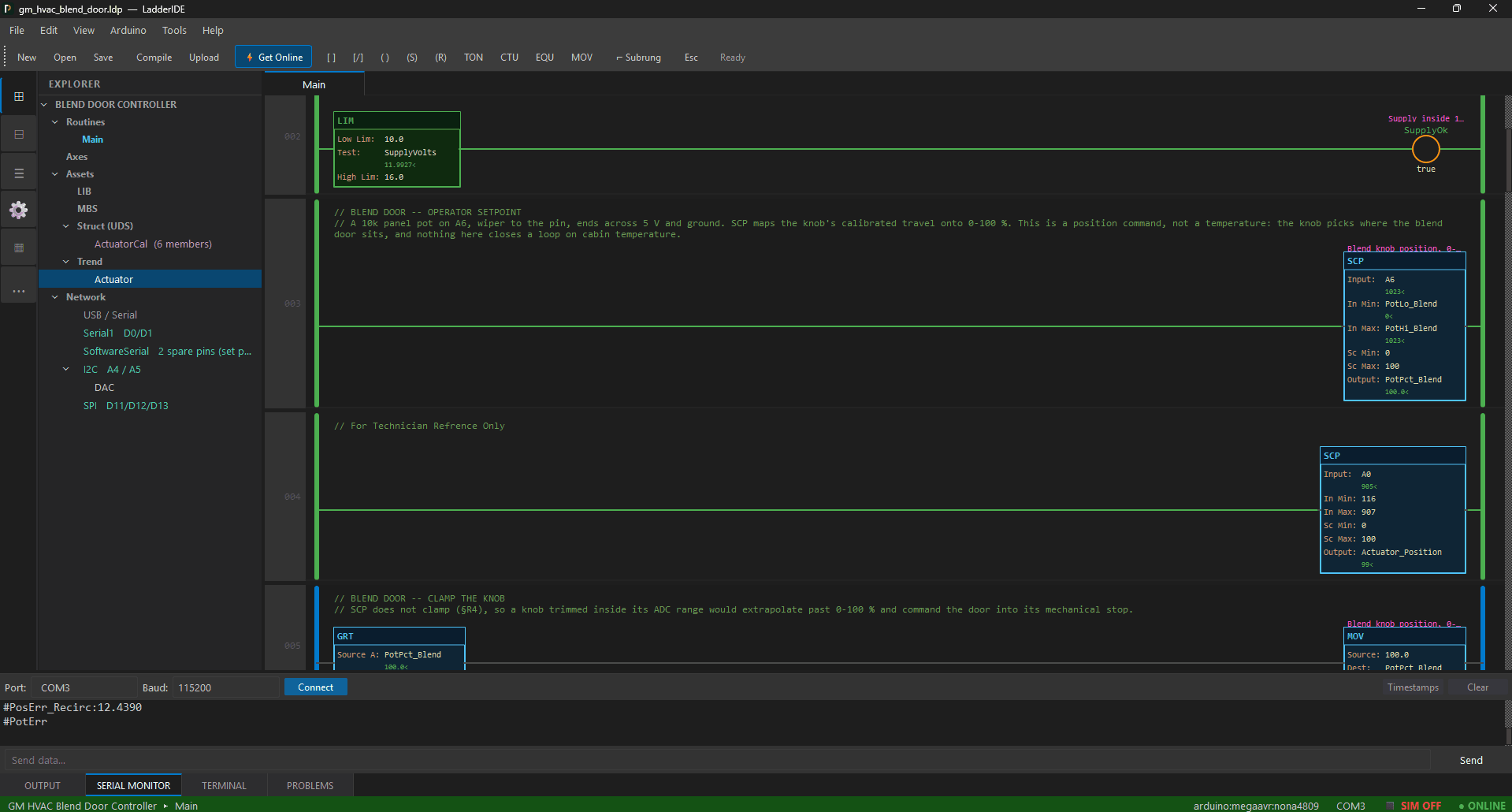
Ladder Canvas
Rungs are drawn, not typed. Drag contacts, coils and blocks onto the canvas, branch where the logic branches, and comment a rung the way you would on a print. Online or simulating, conducting elements light up — so you read the logic by watching it run, the way you would at the machine.
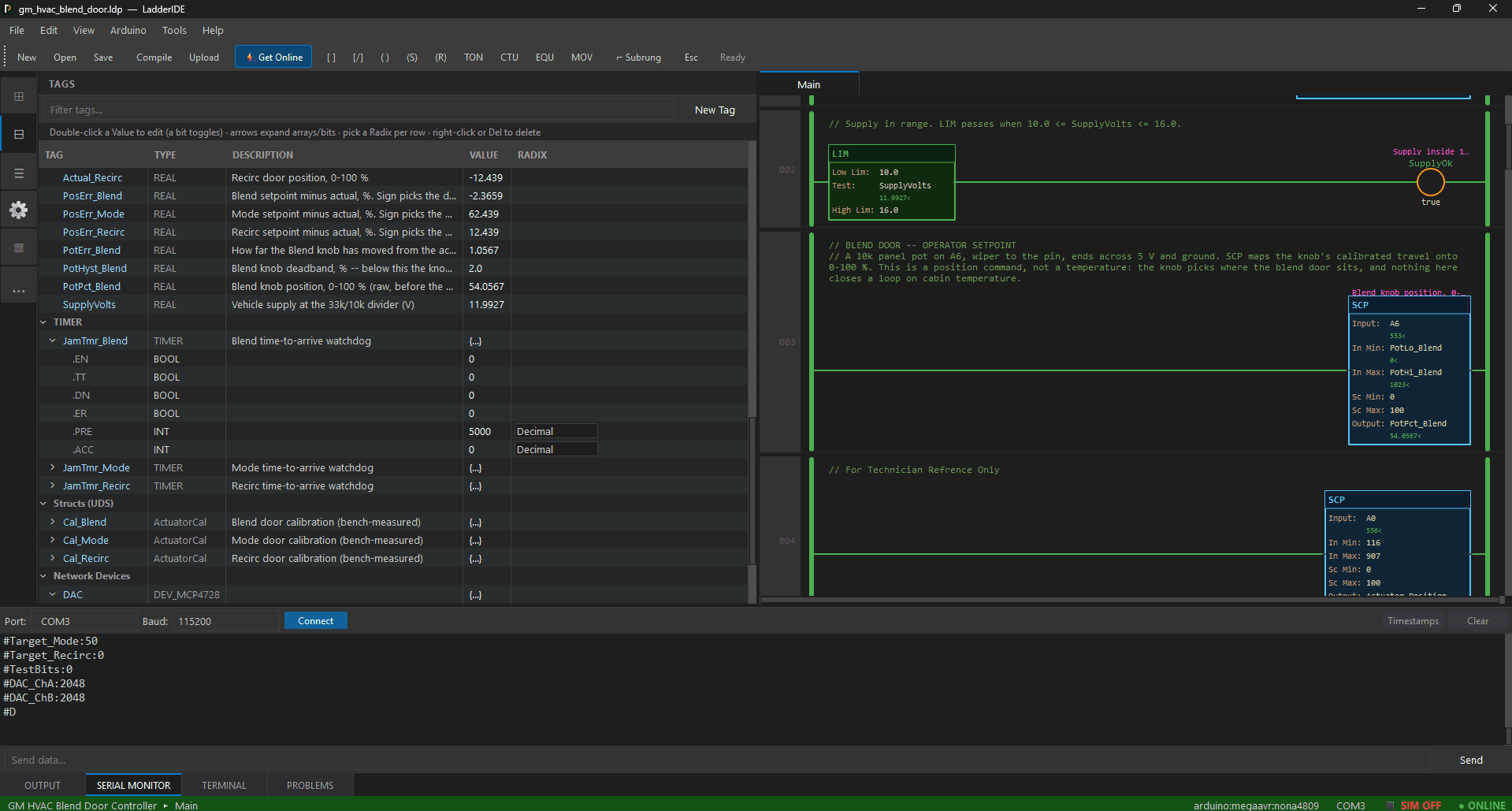
Tag-Based Addressing
Your data has names here, not file numbers. Conveyor_Run is a BOOL. Fill_Delay.DN is a timer's done bit. Speeds[3] is one element of an array. You name a thing once and every dialog, cross-reference and trend pen finds it by that name — nothing to decode, nothing to keep on a scrap of paper.
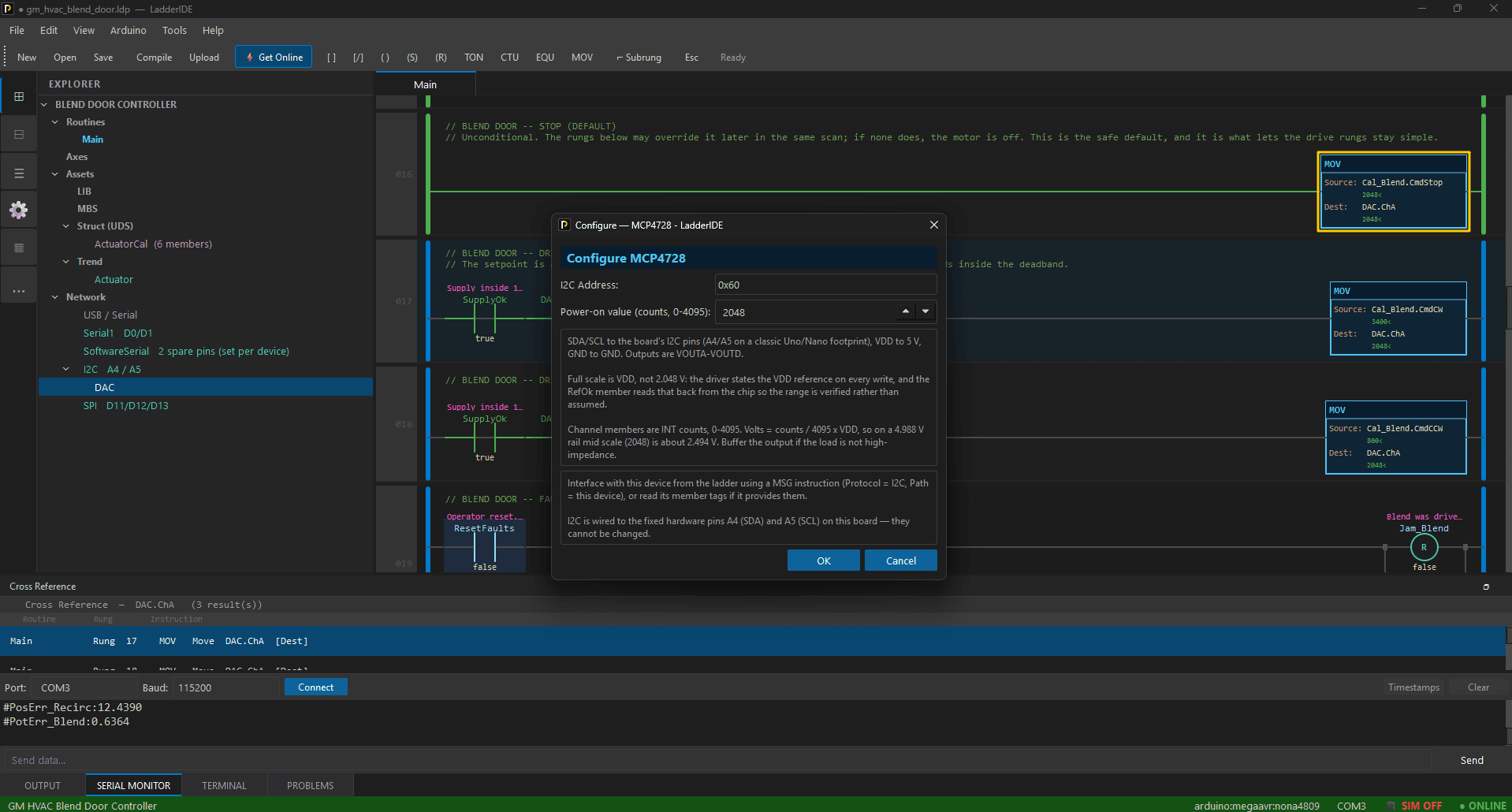
Libraries and Devices
Hardware is configured, not wired into your logic. A Library covers raw pins and computation; a Device sits on a bus — I2C, SPI, Ethernet — and lives in the Network tree. Either way it is serviced every scan and hands you its readings as ordinary tags, so a sensor becomes a name you can put on a rung.
Reusable Blocks
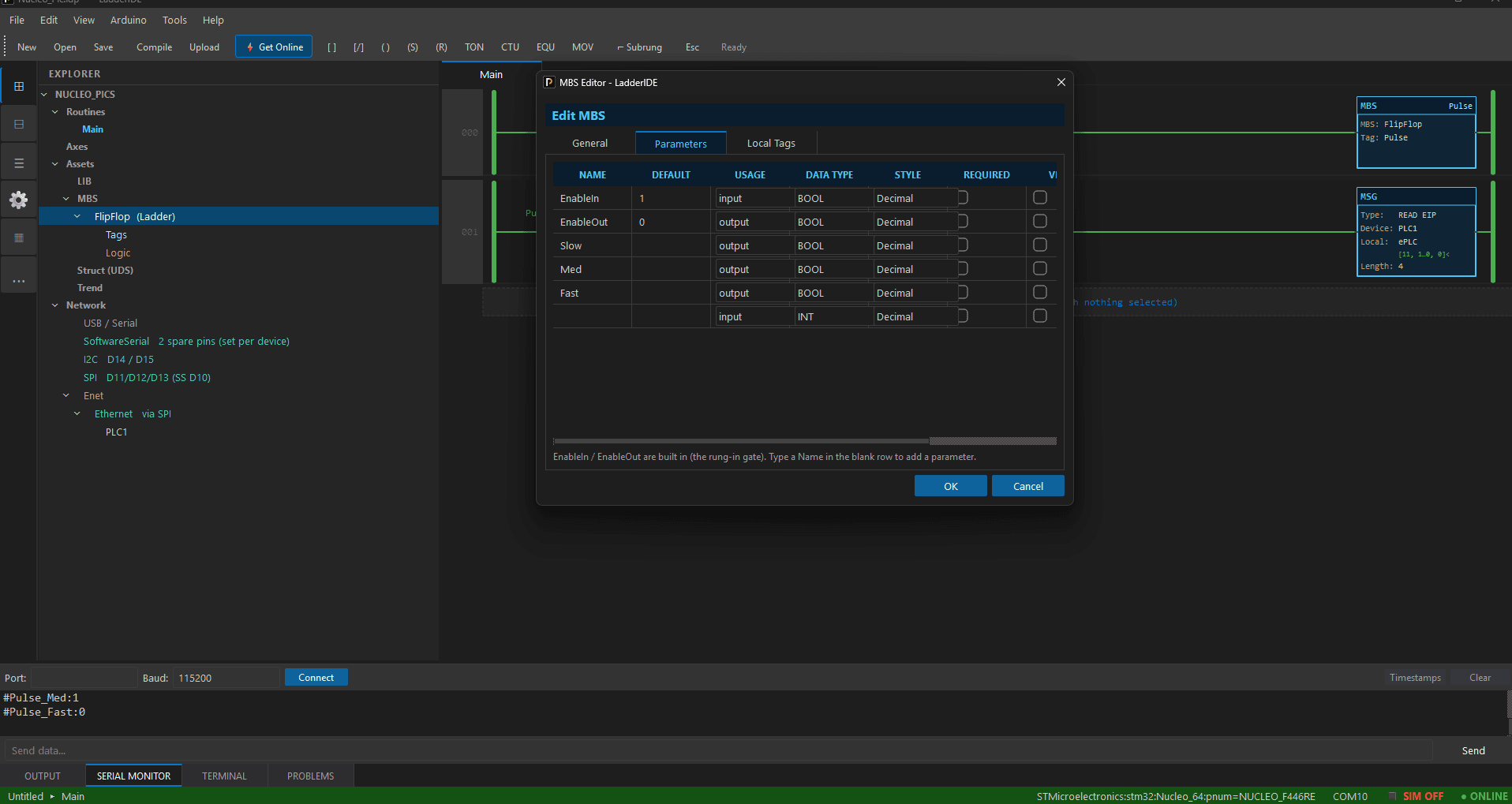
Solve it once, then reuse it. Give a block parameters and its own private state, write the body in ladder or in C, and place it on a rung like any other instruction — gated by the conditions to its left. A block saves to a file of its own, so the one you wrote tonight works in next month's project.
Arduino Codegen and Upload
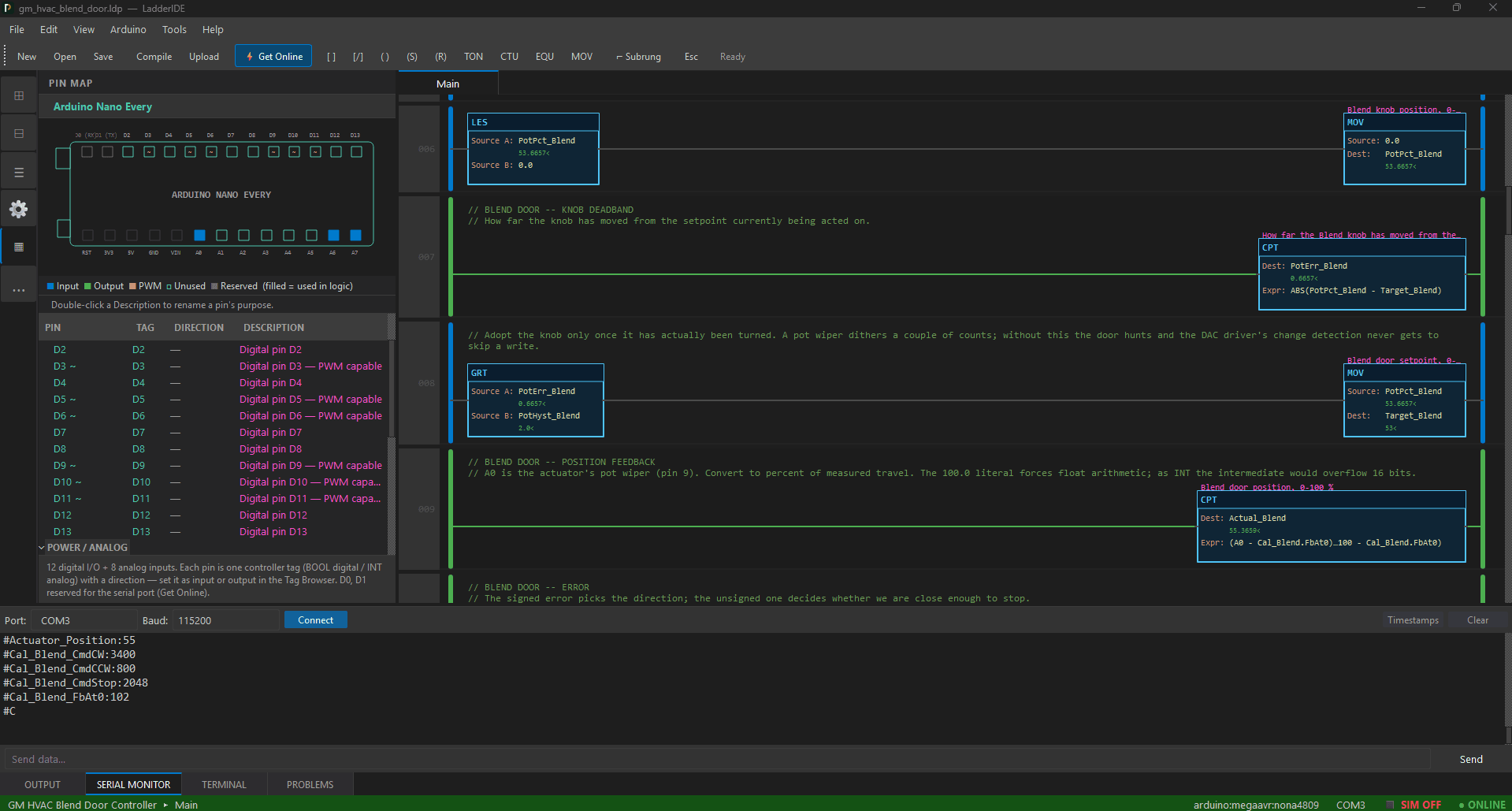
Your rungs become an Arduino sketch. LadderIDE writes the C, compiles it and puts it on the board over USB — pin assignments, tag storage, timers and messaging all generated from what you drew, with no hand-written code anywhere in the path. This is what the $49.99 license unlocks.
Network Utility
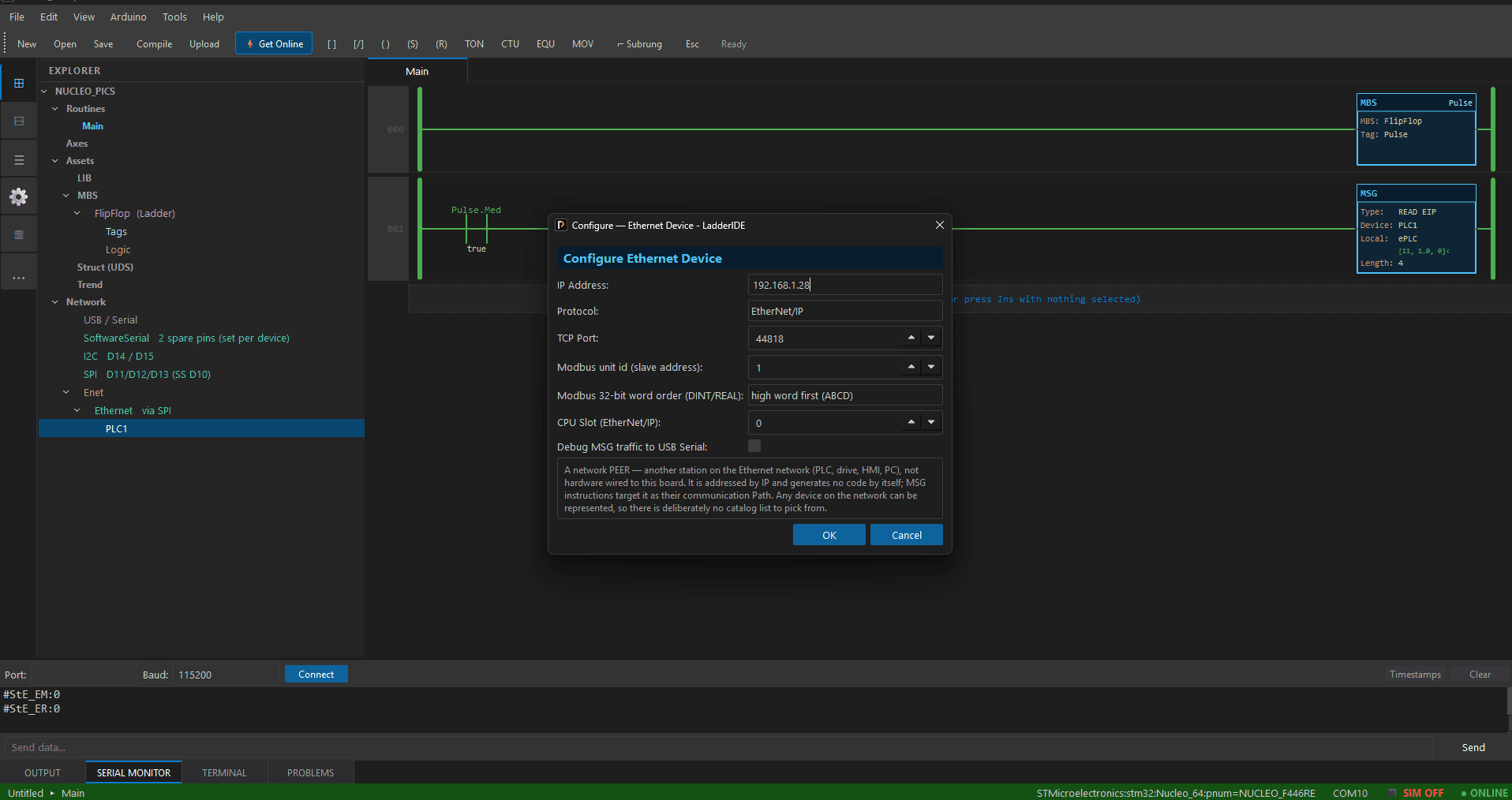
Talk to the controllers already on the floor. Message instructions read and write data on other devices over EtherNet/IP, Modbus TCP, Modbus RTU and DF1 — and LadderIDE answers as a server as readily as it asks as a client. A rung queues the message; the driver handles the bus.
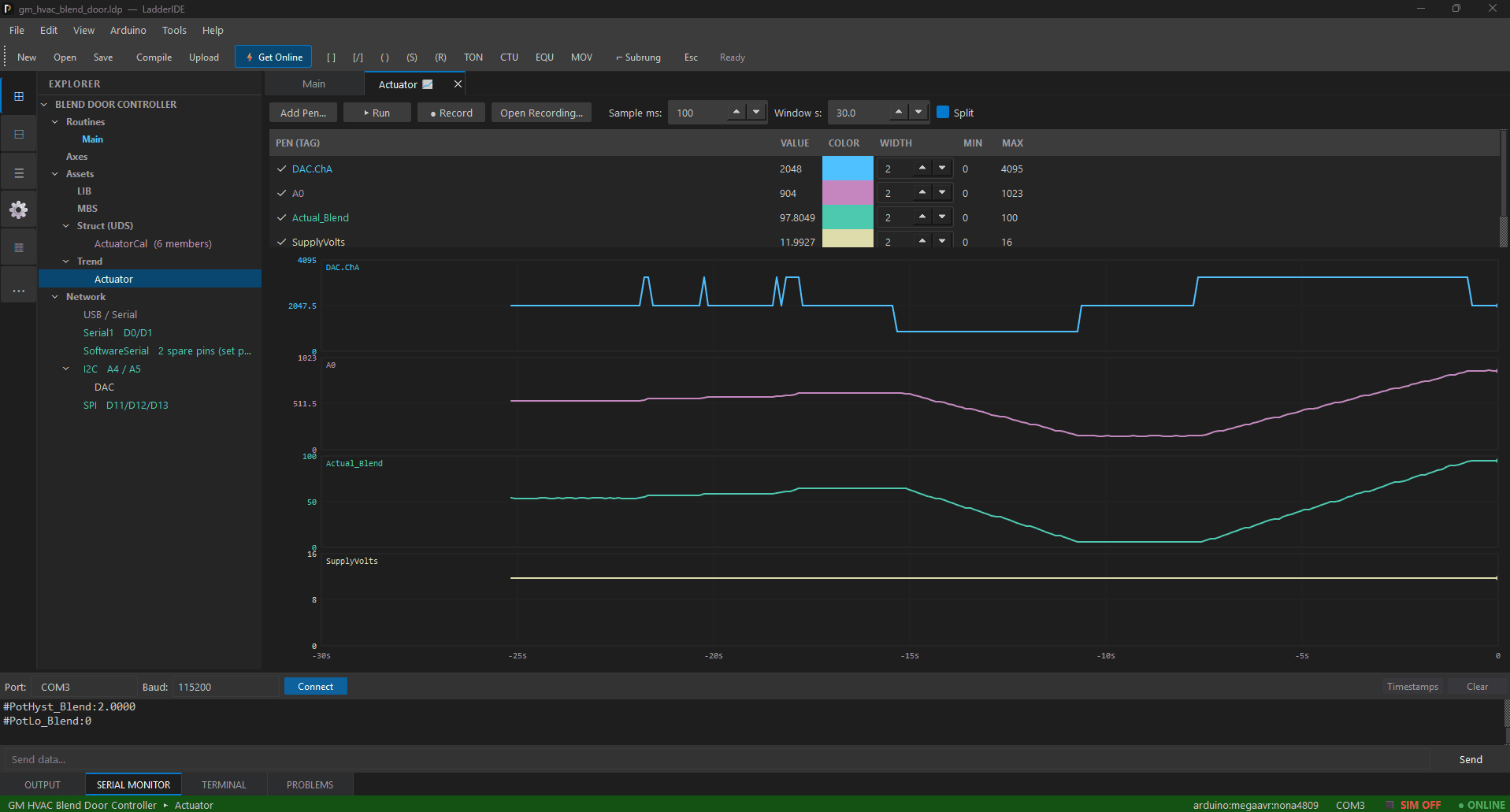
Trend
Watch values move instead of reading them one at a time. Put several pens on one chart — analog and boolean together — while the program runs on the board or in the simulator, split the view to line two signals up, and record a run so you can study it after the fact.